
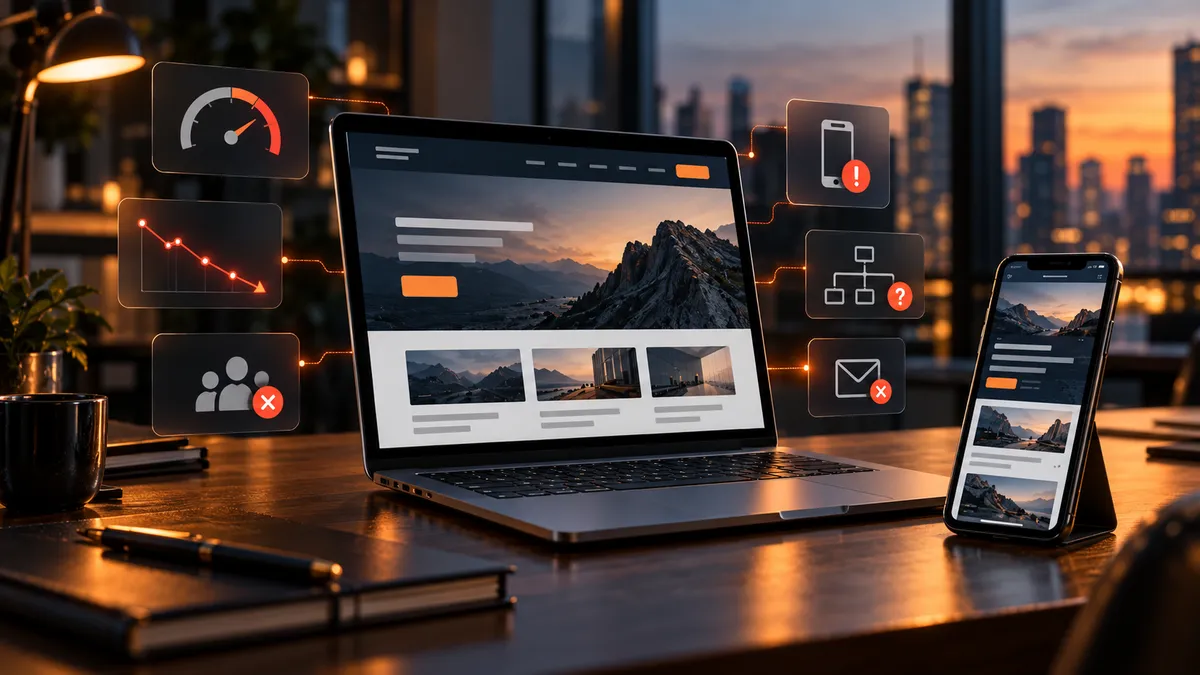
5 Signs Your Website Is Costing You Customers.
5 Signs Your Website Is Costing You Customers
Allen Ink Perspective
A website doesn't need flashy animations or dozens of pages to bring in business. It needs to help the right customer understand what you offer, trust you, and take the next step. Here are five signs yours may be getting in the way—and how to fix them.
1. It Is Frustrating to Use on a Phone
A potential customer might discover your business while waiting in line, sitting in a parking lot, or comparing providers from the couch. If the menu is hard to open, the text requires zooming, or the contact button is difficult to tap, that customer has another reason to leave.
The mobile version is not a smaller desktop website. It should prioritize the information someone needs quickly: what you do, where you work, how to reach you, and why they should choose you.
Try this: Open your homepage on your own phone. Without zooming, find your main service, locate your phone number, and submit your contact form. Then try the same exercise on an older or smaller phone if one is available. Watch for horizontal scrolling, overlapping text, tiny buttons, and hard-to-close menus.
2. The Site Feels Slow or Unreliable
Speed is part of the customer experience. When pages hang, images appear late, or buttons shift around as content loads, visitors may lose confidence before they read a word. Slow pages can also make it harder for search engines and users to access your content efficiently.
Common causes include oversized images, unnecessary scripts, too many third-party widgets, and hosting that is not suited to the site. A redesign is not always necessary; targeted performance work may solve the problem.
Try this: Run your most important pages through Google PageSpeed Insights. Check mobile results, not just desktop. Pay attention to real-user data when available, and test the actual page on a cellular connection. Focus on what visitors experience rather than chasing a perfect score.
3. Visitors Cannot Tell What You Do—or What to Do Next
A beautiful homepage can still be confusing. Generic phrases such as “innovative solutions” or “quality you can trust” do not tell a customer whether you solve their problem. Neither does a navigation menu full of internal company terms.
Within the opening section, a new visitor should be able to answer three questions: What does this company provide? Who is it for? What should I do next?
A strong call to action might be Request an Estimate, Book a Consultation, or Call for Service. It should be easy to find and consistent with the customer's intent.
The contact process should also work after the click: forms should submit, confirmations should appear, and someone should receive and respond to the inquiry.
Try this: Ask a person unfamiliar with your business to look at your homepage for five seconds. Then close it and ask what your business does and how they would contact you. If they hesitate, improve your message and the next-step button before adding more design elements.
4. The Site Gives Customers Too Little Reason to Trust You
People are careful about choosing a contractor, consultant, professional service provider, or local business. A generic template, outdated details, blurry photos, or missing business information can create doubt even when the underlying company does excellent work.
Trust comes from specific, verifiable details—not exaggerated marketing claims.
Relevant examples include real project photos, clear service descriptions, team information, service areas, professional credentials where applicable, and genuine customer reviews used with permission.
You do not need to clutter every page with badges. You need to answer the questions a cautious buyer is likely to ask: Have you done this before? Do you serve my area? What happens when I contact you? Can I see the quality of your work?
Try this: Review your service and contact pages as if you had never heard of the company. Look for outdated information, broken links, inconsistent contact details, and claims that are not supported by evidence. Replace generic filler with specifics that matter to customers.
5. People Cannot Find the Site When They Need Your Services
A website that looks excellent but cannot be discovered is a missed opportunity.
Search visibility involves more than inserting keywords into a homepage. Your pages need to explain individual services clearly, connect related information, and give search engines enough context to understand the business and its location.
For a local business, that may mean dedicated pages for core services, consistent business contact information, a well-maintained Google Business Profile, descriptive page titles, and useful answers to common customer questions.
Technical basics—such as indexability, mobile usability, and working internal links—matter too.
Try this: Search for your primary service plus your city, then review the results without assuming you must rank first to succeed. Open Google Search Console to see which queries bring impressions and clicks, whether key pages are indexed, and where visitors may be discovering you. Use those findings to prioritize improvements.
How to Tell Whether You Need a Redesign or Just a Few Fixes
Not every underperforming website needs to be replaced.
If the design is reasonably modern and customers can navigate it, you may get more value from improving a few pages, compressing images, clarifying calls to action, or fixing forms and tracking.
A larger redesign makes more sense when the website no longer reflects the business, the navigation is fundamentally confusing, the mobile experience is consistently poor, or the underlying platform makes essential updates unnecessarily difficult.
Start by recording a baseline: how many qualified inquiries the site produces, which pages people visit, and whether calls and forms reach the right person.
Then improve one high-impact problem at a time and measure what changes.
A prettier website is not the goal; a more useful, trustworthy, and effective one is.
A Five-Minute Website Checkup
Open the homepage on your phone and complete the main contact action.
Check a key page with PageSpeed Insights.
Confirm the first screen explains your service and offers a clear next step.
Look for recent, authentic proof of your work and accurate contact details.
Check whether your important service pages appear in Search Console.
If you uncover multiple problems, prioritize the ones that prevent customers from reaching you. Those are often more urgent than cosmetic changes.
Make Your Website Work Harder for Your Business
At Allen Ink, we build and improve small business websites with a focus on clear messaging, responsive design, search-friendly structure, and practical lead-generation workflows.
A website should look professional—but more importantly, it should help your business earn attention and turn interest into a conversation.
Explore next:Website Redesign Services · Small Business Website Design · Why Your Business Needs More Than a Website
